

Quick SQL allows us to quickly design and prototype data models using an abbreviated markdown syntax that expands Oracle SQL. We can easily create master/detail relationships, check constraints and even generate sample data.
We can use this application for free to generate SQL and use it in any Oracle database.
We can create prototypes for free using Oracle Live SQL.

To use this tool, we need to have a free Oracle.com account.
Click on the button Start Coding, the window to enter our Oracle credentials appears, and if we do not have credentials we can create a new one.
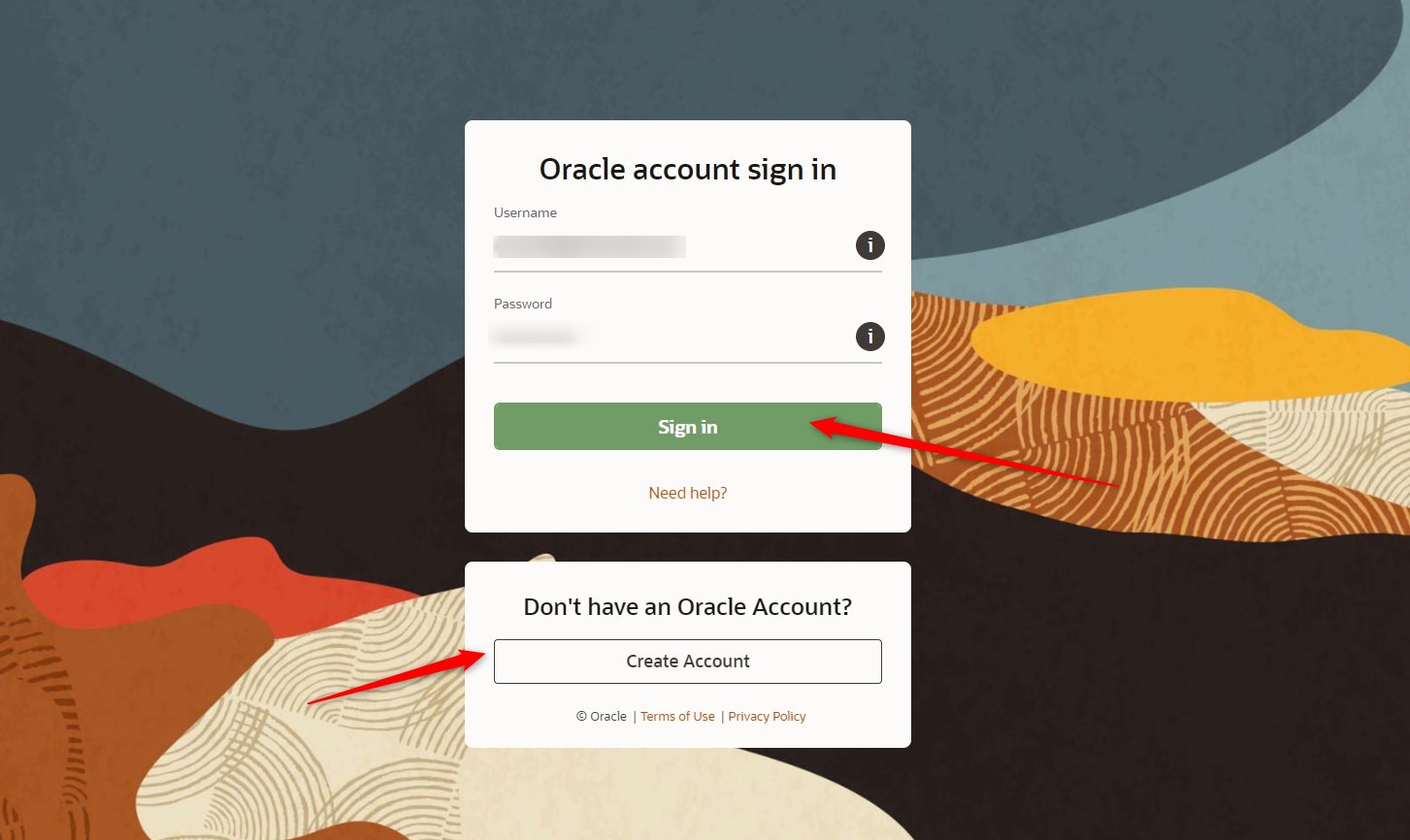
In this way we enter the Quick SQL tool (which, by the way, is developed in Oracle APEX 😊).

On the other hand, we can also use this tool if we are subscribed to a free workspace at apex.oracle.comor if we have a workspace, for example in an autonomous database in the Oracle cloud, we will have access to Quick SQL within APEX.
From the APEX home page we click on SQL Workshop –> Utilities –> Quick SQL.

To learn how to generate the codes, we can load a Quick SQL model, for example, we click on the button Load.
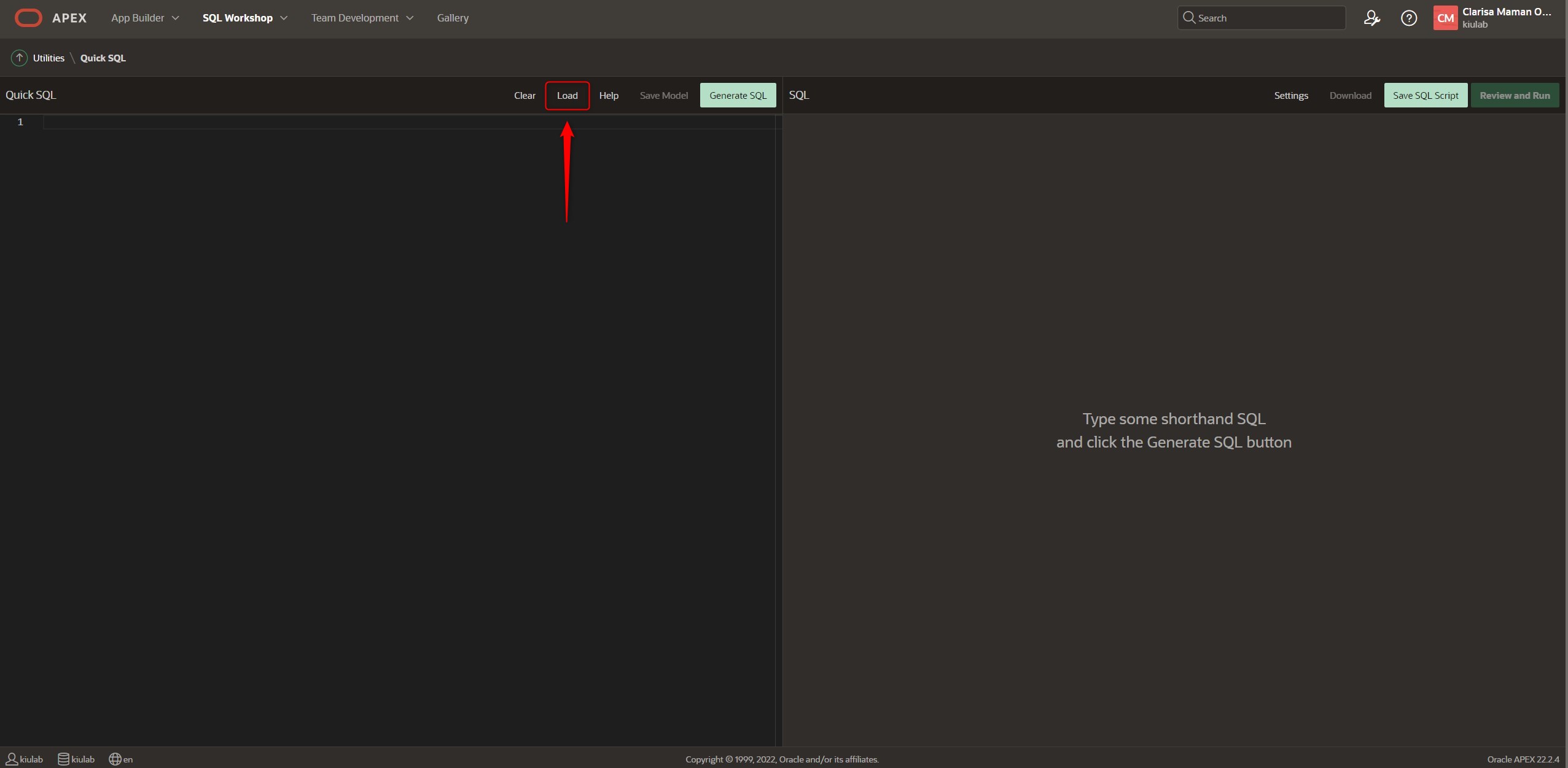
Select the data example: Departments and Employees.

We load the Sample, and we see how in the left quadrant we have the syntax to generate the SQL statements of what is displayed in the right quadrant.

We see the following code:
departments /insert 4
   name /nn
   location
   country
   employees /insert 14
      name /nn vc50
      email /lower
      cost center num
      date hired
      job
view emp_v departments employees
There are table directives as well as column directives. According to this example we see the following:
/insert 4 => this means "Generate 4 SQL INSERT statements with random data" (table directive)
/nn vc50 => this means "Add a non-null constraint to the preceding column, in this case name, further defines that it is a varchar2(50) data type" (column directive)
/lower => this means "forcing the column to be in lower case" (column directive)
num => this means "of which the column is a numeric data type".
Generate the following SQL Script:
-- create tables
create table departments (
    id                             number generated by default on null as identity
                                   constraint departments_id_pk primary key,
    name                           varchar2(255 char) not null,
    location                       varchar2(4000 char),
    country                        varchar2(4000 char)
)
;

create table employees (
    id                             number generated by default on null as identity
                                   constraint employees_id_pk primary key,
    department_id                  number
                                   constraint employees_department_id_fk
                                   references departments on delete cascade,
    name                           varchar2(50 char) not null,
    email                          varchar2(255 char),
    cost_center                    number,
    date_hired                     date,
    job                            varchar2(255 char)
)
;

-- table index
create index employees_i1 on employees (department_id);


-- triggers
create or replace trigger employees_biu
    before insert or update
    on employees
    for each row
begin
    :new.email := lower(:new.email);
end employees_biu;
/
-- create views
create or replace view emp_v as
select
    departments.id                                     department_id,
    departments.name                                   department_name,
    departments.location                               location,
    departments.country                                country,
    employees.id                                       employee_id,
    employees.name                                     employee_name,
    employees.email                                    email,
    employees.cost_center                              cost_center,
    employees.date_hired                               date_hired,
    employees.job                                      job
from
    departments,
    employees
where
    employees.department_id(+) = departments.id
/
-- load data
insert into departments (
    id,
    name,
    location,
    country
) values (
    1,
    'Internal Systems',
    'Tanquecitos',
    'United States'
);
.........
.........
.........
And it continues here by inserting rows in the Department and Employees tables; 4 records in the Departments table and 14 records in the Employees table.
To learn more about the tool we have the help where it shows us the data types, table and column directives, views, configurations and examples.
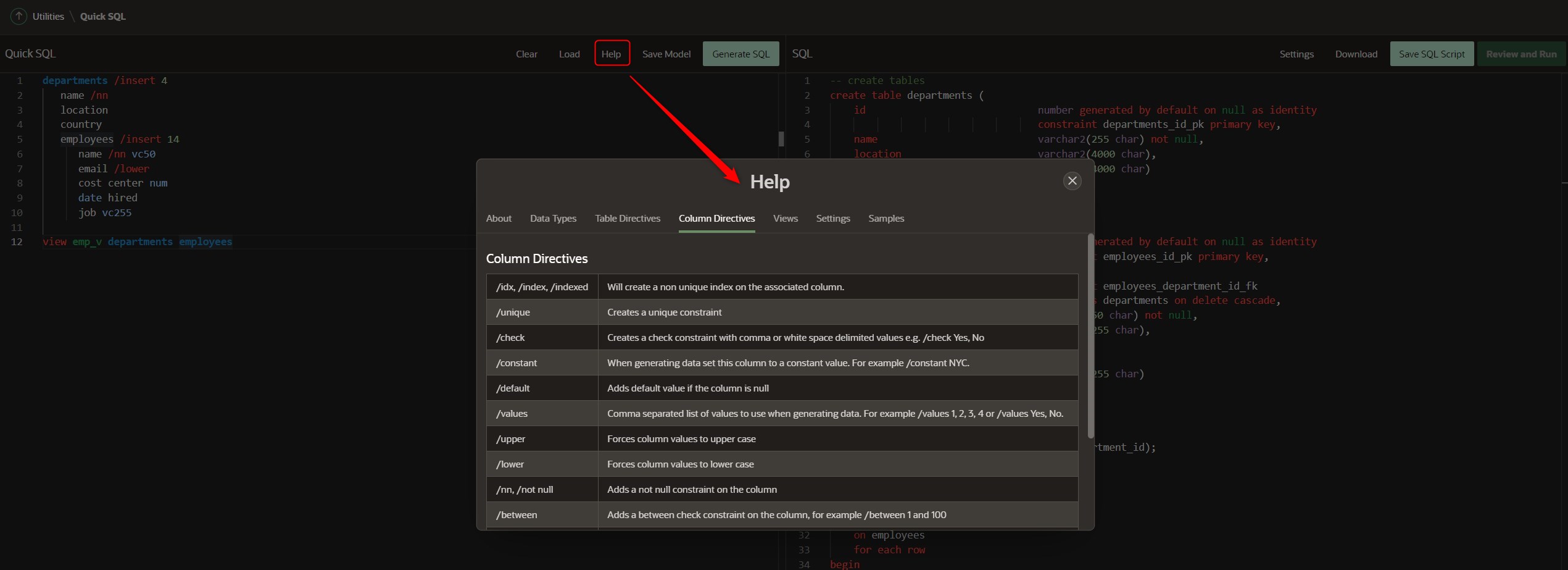
We can save the script, download it and run it directly in our schematic.
Using this tool makes writing SQL code much easier, I invite you to use it and tell us what you think in the comments. 😊
See you soon!
Un comentario en “¿Conoces la herramienta Quick SQL?”